

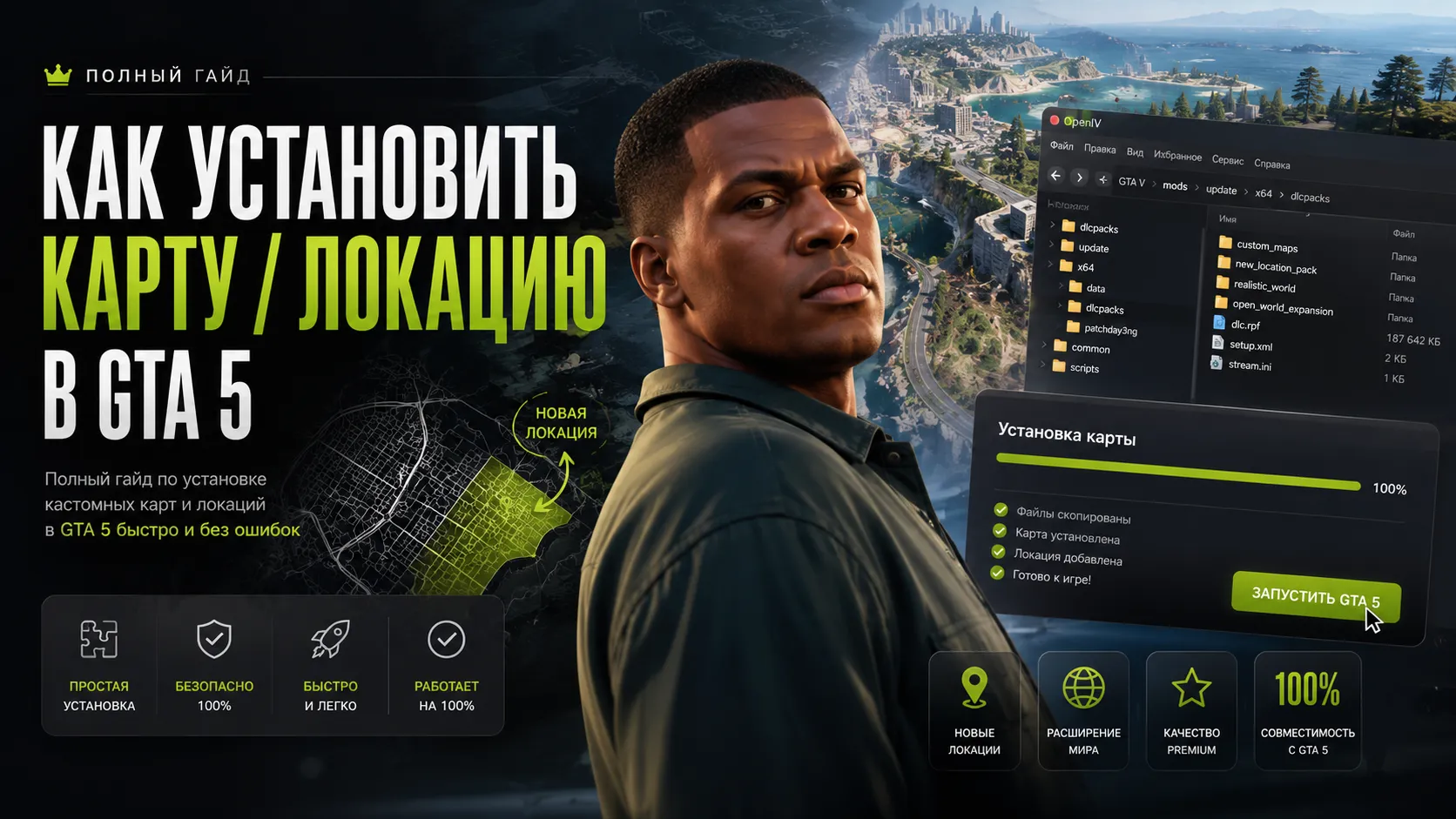
How to Install Maps and Locations in GTA 5 — Complete Addon Map & MLO Guide
🔥 This complete tutorial explains how to install custom maps, locations, MLO interiors, and YMAP mods in GTA 5 Legacy and GTA 5 Enhanced.
In this guide you will learn:
- How GTA 5 map mods work
- What YMAP, YTYP, and MLO files are
- How to install Addon maps
- How Replace maps work
- How to edit dlclist.xml
- How to fix crashes and infinite loading
- Which limit adjusters you need
- How to install maps for FiveM servers
❗ Always create a backup of your
modsfolder before installing map mods.
📌 What Are GTA 5 Map Mods?
Map mods add new environments, interiors, cities, buildings, islands, roads, or entirely new locations into GTA 5.
Most GTA 5 map mods use:
- YMAP files
- YTYP files
- MLO interiors
- Addon DLC packs
- Custom textures and models
🔥 Types of GTA 5 Maps
| Type | Description |
|---|---|
| Addon Map | Adds new content without replacing original GTA 5 files |
| Replace Map | Replaces existing GTA 5 world assets |
| MLO | Fully accessible interiors without loading screens |
| YMAP | World placement data for objects |
| YTYP | Defines assets and texture information |
🛠️ Required Tools
- OpenIV
- ScriptHookV
- mods folder
- HeapAdjuster
- Packfile Limit Adjuster
- Updated gameconfig
📂 Installing OpenIV
- Install OpenIV
- Select GTA 5 for Windows
- Enable ASI Loader
- Create the
modsfolder
📌 How to Install Addon Maps in GTA 5
Step 1 — Open dlcpacks Folder
mods/update/x64/dlcpacks
Step 2 — Copy the Map Folder
Move the map folder into:
mods/update/x64/dlcpacks
Example:
mods/update/x64/dlcpacks/custommap
Step 3 — Edit dlclist.xml
Open:
mods/update/update.rpf/common/data/dlclist.xml
Add this line:
<Item>dlcpacks:/custommap/</Item>
Step 4 — Save Changes
Save the file and launch GTA 5.
🚗 Installing YMAP Mods
Some map mods only include YMAP files.
Common file extensions:
- .ymap
- .ytyp
- .ydr
- .ytd
Typical Installation Path
mods/update/x64/dlcpacks/custom_maps/dlc.rpf/x64/levels/gta5/_citye/maps/custom_maps
🏢 How to Install MLO Interiors
MLO mods add detailed interiors with collision, lighting, and props.
Modern MLO mods usually work as Addon DLC packs.
MLO Installation Steps
- Copy the MLO folder into dlcpacks
- Add the DLC line into dlclist.xml
- Install dependencies if required
- Launch GTA 5
⚡ Required Limit Adjusters
Large maps and MLO packs require memory fixes and stability mods.
| Tool | Purpose |
|---|---|
| HeapAdjuster | Increases game memory allocation |
| Packfile Limit Adjuster | Removes packfile limits |
| gameconfig | Prevents crashes during loading |
| Resource Adjuster | Improves streaming performance |
❗ Common GTA 5 Map Errors
Infinite Loading Screen
- Broken dlclist.xml
- Missing gameconfig
- DLC conflicts
- Corrupted YMAP files
Game Crash on Startup
- Missing HeapAdjuster
- Missing Packfile Limit Adjuster
- Outdated GTA 5 version
- Incompatible map mod
Missing Textures
- VRAM overload
- Too many MLO mods
- Graphics mod conflicts
💡 FPS Optimization Tips
- Lower Extended Distance Scaling
- Disable MSAA
- Use DLSS or FSR
- Avoid installing too many MLO packs
- Use optimized YMAP collections
📌 How to Remove a GTA 5 Map
- Delete the map folder from dlcpacks
- Remove the DLC line from dlclist.xml
- Clear GTA 5 cache
- Verify game files if needed
🔥 Installing Maps for FiveM
FiveM maps use a different installation structure.
FiveM Resource Structure
resources/[maps]/custommap
Required Files
- fxmanifest.lua
- .ymap
- .ytyp
- stream folder
server.cfg Example
ensure custommap
📂 GTA 5 Map File Structure
| File | Purpose |
|---|---|
| .ymap | Object placement data |
| .ytyp | Asset definitions |
| .ydr | 3D models |
| .ytd | Textures |
| .ymf | Additional map data |
❓ FAQ
Can I install multiple maps together?
Yes, but you should use proper limit adjusters and an updated gameconfig.
Why does the map not appear?
The most common issue is an incorrect dlclist.xml entry or wrong folder structure.
Do map mods work in GTA 5 Enhanced?
Some do, but many mods are still designed mainly for GTA 5 Legacy.
Is OpenIV required?
Yes, almost every GTA 5 map mod requires OpenIV.
✅ Final Thoughts
Installing maps and custom locations is one of the best parts of GTA 5 modding.
Using the correct setup with:
- OpenIV
- Addon DLC packs
- HeapAdjuster
- Packfile Limit Adjuster
- gameconfig
- Proper dlclist.xml editing
will help you avoid crashes, texture loss, and infinite loading issues while running large GTA 5 map mods and MLO interiors.
VIP PRO