

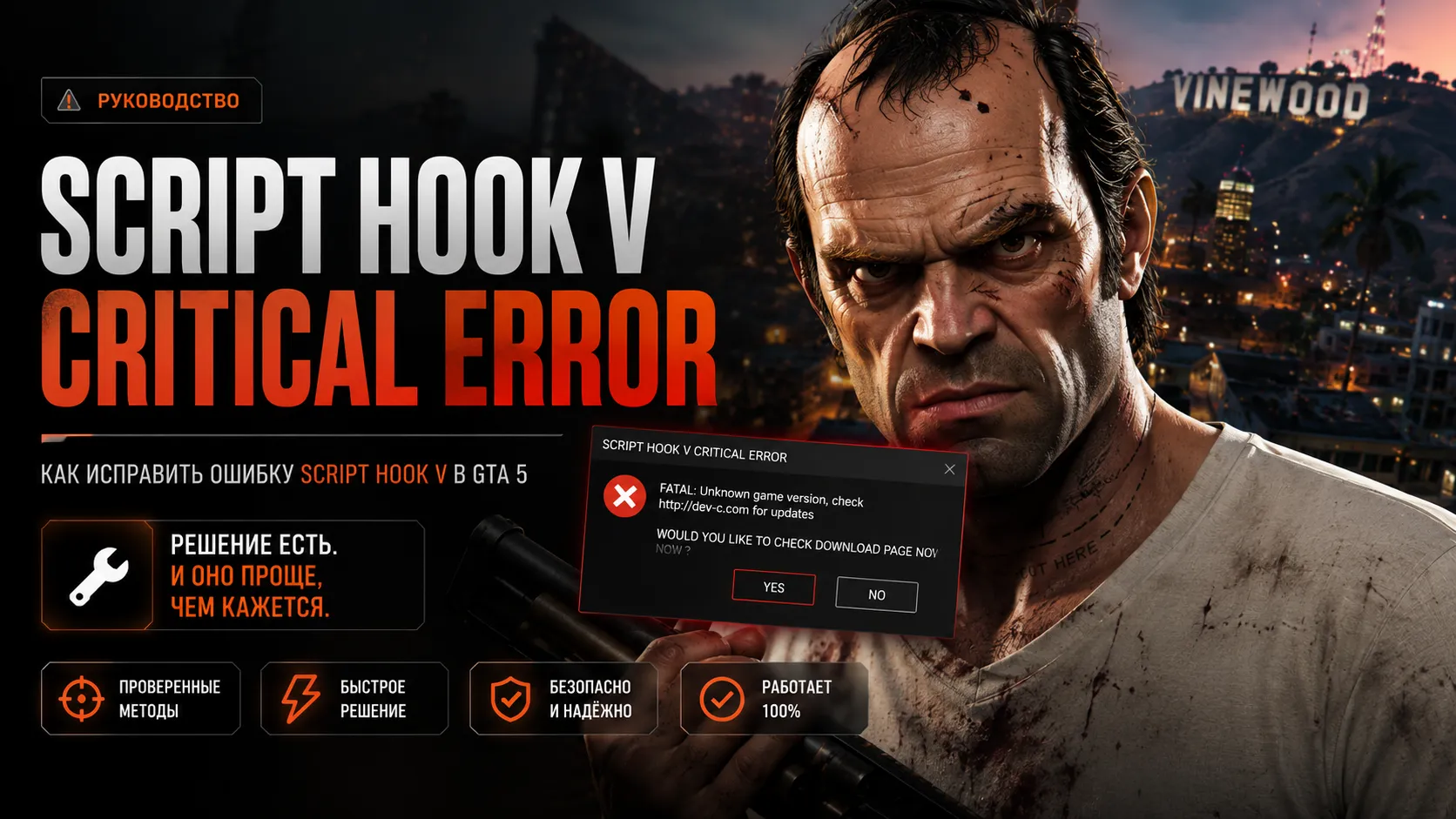
How to Fix Script Hook V Critical Error in GTA 5
The Script Hook V Critical Error issue is one of the most common GTA 5 modding problems after a Rockstar update, broken mods installation, or incompatible ASI plugins.
This error usually appears when launching GTA 5 Legacy, GTA 5 Enhanced, OpenIV builds, graphics mods, or heavily modded Story Mode setups.
❗ Script Hook V often breaks after GTA 5 updates because Rockstar changes the game executable.
What Is Script Hook V
Script Hook V is a required library that allows GTA 5 to load ASI mods and custom scripts.
Without Script Hook V, many popular mods will stop working:
- Menyoo
- Simple Trainer
- LSPDFR
- ASI plugins
- Lua mods
- Addon scripts
- Graphics enhancements
Main Causes of Script Hook V Critical Error
| Problem | Description |
|---|---|
| GTA 5 update | Script Hook V no longer supports the current game version |
| Outdated files | Old Script Hook V installation |
| Broken gameconfig | Mod conflicts and crashes |
| Corrupted OpenIV setup | Damaged mods folder structure |
| Old ASI plugins | Incompatible scripts cause startup crashes |
| ReShade or ENB conflict | Graphics injectors conflict with Script Hook |
How to Fix Script Hook V Critical Error
1. Update Script Hook V
The most common fix is installing the latest version of Script Hook V.
Delete old files first:
dinput8.dllScriptHookV.dllNativeTrainer.asi
Then install the newest compatible release.
2. Check Your GTA 5 Version
Some Script Hook V builds only work with specific GTA 5 game versions.
| Version | Status |
|---|---|
| GTA 5 Legacy | ✅ Stable support |
| GTA 5 Enhanced | ⚠️ Partial compatibility |
| Fresh Rockstar update | ❌ Usually breaks mods temporarily |
3. Remove Broken ASI Mods
Old ASI plugins are one of the biggest reasons for Script Hook crashes.
Check your GTA 5 root folder and temporarily remove:
- old trainers
- unsupported ASI mods
- outdated Lua plugins
- old LSPDFR files
4. Verify Your Mods Folder
OpenIV installation problems can trigger startup errors.
Inspect these folders:
mods/update/update.rpfmods/update/x64/dlcpacks
Common issues include:
- broken dlclist.xml
- corrupted addon DLC
- wrong gameconfig.xml
- vehicle metadata conflicts
5. Install a Proper Gameconfig
If you use addon cars, map mods, or graphics packs, you need a compatible gameconfig file.
Without it, GTA 5 may suffer from:
- Infinite loading screens
- ERR_MEM crashes
- Script Hook V errors
- Random instability
6. Install Limit Adjusters
Modern GTA 5 mod builds require memory and streaming fixes.
| Plugin | Purpose |
|---|---|
| HeapAdjuster | Increases memory allocation |
| Packfile Limit Adjuster | Raises DLC limits |
| Resource Adjuster | Fixes texture streaming issues |
| FSL | Improves asset loading stability |
7. Disable ReShade or ENB
Some ReShade versions conflict with Script Hook V and ASI loaders.
Temporarily remove:
dxgi.dlld3d11.dlld3dcompiler_46e.dll
Then try launching GTA 5 again.
Clean Reinstall Method
- Delete old Script Hook V files
- Remove outdated ASI plugins
- Clean the plugins folder
- Verify GTA 5 game files
- Reinstall OpenIV ASI Loader
- Install the newest Script Hook V release
Performance and Stability Tips
- Install GTA 5 on SSD
- Avoid too many replace mods
- Use updated gameconfig files
- Keep addon DLC organized
- Match mod versions with your GTA build
Common GTA 5 Modding Errors
| Error | Fix |
|---|---|
| Infinite Loading | Install compatible gameconfig |
| Startup crash | Remove broken ASI mods |
| Texture loss | Install Resource Adjuster |
| Instant close | Update Script Hook V |
FAQ
Why did Script Hook V stop working after a GTA 5 update?
Rockstar changed the game executable, making the current Script Hook version incompatible.
Can I use Script Hook V in GTA Online?
No. Mods should only be used in Story Mode.
Does Script Hook V support GTA 5 Enhanced?
Support depends on the current game build and Script Hook V update status.
Why does GTA 5 crash without an error message?
Most silent crashes are caused by broken ASI plugins, incompatible DLC packs, or invalid gameconfig files.
Final Thoughts
Script Hook V Critical Error is usually caused by outdated modding files, GTA 5 updates, or broken addon configurations.
In most situations, the issue can be fixed by:
- updating Script Hook V
- installing proper gameconfig files
- using limit adjusters
- removing outdated ASI plugins
- checking OpenIV mod folders
With the correct setup, GTA 5 Legacy and GTA 5 Enhanced can run stable even with massive graphics overhauls and hundreds of addon mods installed.
VIP PRO