

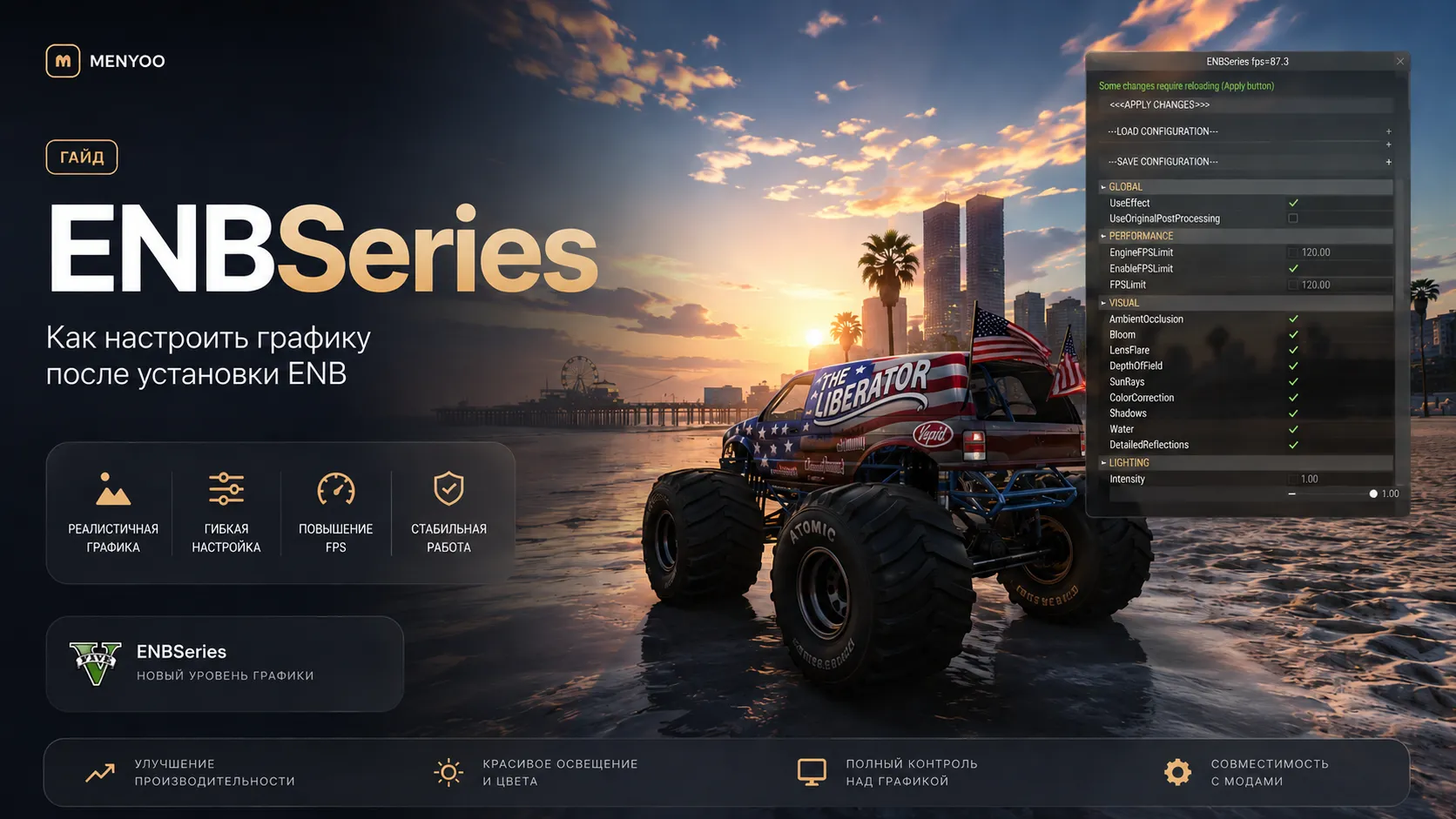
How to Configure Graphics After Installing ENB in GTA 5
ENB is one of the most advanced graphics enhancement tools for GTA 5. It dramatically improves lighting, reflections, shadows, ambient effects, and overall visual quality. However, many players experience issues after installation such as dark nights, oversaturated colors, FPS drops, blurry visuals, flickering, or crashes.
This complete guide explains how to properly configure ENB for GTA 5 Legacy, Enhanced, FiveM, and heavily modded setups.
❗ Always create a backup of your GTA 5 folder and ENB files before editing settings.
🔥 What ENB Does in GTA 5
ENB is a graphics injector developed by Boris Vorontsov that adds advanced visual effects to the game.
- Realistic lighting
- Enhanced reflections
- Screen-space ambient occlusion
- Color grading
- Depth of field
- Bloom effects
- Cinematic atmosphere
- Improved weather visuals
📌 Important ENB Files
| File | Purpose |
|---|---|
enbseries.ini |
Main ENB configuration |
enblocal.ini |
Memory and performance settings |
d3d11.dll |
Main ENB injector |
enbhost.exe |
ENB background process |
⚡ How to Open the ENB Menu
While in-game press:
Shift + Enter
This opens the ENB configuration overlay.
You can adjust:
- Brightness
- Contrast
- Saturation
- Bloom
- Ambient Occlusion
- Reflections
- Sharpening
- Depth of Field
🛠️ Essential ENB Settings
1. Fix Dark or Overexposed Visuals
If the game looks too dark or too bright:
- Open the ENB menu
- Navigate to:
ENBEFFECTPOSTPASS
Adjust these parameters:
- BrightnessDay
- BrightnessNight
- GammaCurve
Recommended values:
| Setting | Recommended |
|---|---|
| BrightnessDay | 1.1 - 1.3 |
| BrightnessNight | 1.2 - 1.5 |
| GammaCurve | 1.0 - 1.2 |
2. Fix Blurry Graphics
If GTA 5 looks blurry after installing ENB:
- Disable TXAA
- Enable FXAA
- Turn on ENB sharpening
Example:
EnableSharpening=trueRecommended sharpen strength:
0.3 - 0.6
3. Reduce Oversaturated Colors
If colors look too strong:
- Lower Saturation
- Reduce Vibrance
- Decrease Bloom intensity
🚗 Recommended GTA 5 Graphics Settings for ENB
| Graphics Setting | Recommended Value |
|---|---|
| FXAA | ON |
| MSAA | OFF |
| TXAA | OFF |
| Reflection MSAA | OFF |
| Post FX | Very High |
| Shader Quality | Very High |
| Grass Quality | High |
| Shadow Quality | High |
💡 How to Improve FPS with ENB
ENB can significantly reduce performance, especially on mid-range GPUs.
Disable Heavy Effects
- SSAO
- Depth of Field
- Detailed Shadows
- Complex Reflections
- Volumetric Fog
Edit Memory Settings
Open:
enblocal.ini
Recommended configuration:
[MEMORY]
VideoMemorySizeMb=8192
ReservedMemorySizeMb=1024
Adjust VRAM values according to your GPU.
📂 ENB Configuration Location
Main ENB files are located inside your GTA 5 root directory:
Grand Theft Auto V/enbseries.ini
And:
Grand Theft Auto V/enblocal.ini
❗ Common ENB Problems
Infinite Loading Screen
Main causes:
- Outdated gameconfig
- ReShade conflicts
- Incorrect d3d11.dll
- VRAM overload
Fixes:
- Install updated gameconfig
- Use HeapAdjuster
- Install Packfile Limit Adjuster
- Remove conflicting graphics mods
Game Looks Too Bright
Disable:
- Adaptive Tonemapping
- Bloom
- Lens Effects
Nights Are Too Dark
Increase:
- Ambient Lighting
- Night Brightness
- Indirect Lighting
✅ Recommended Limit Fix Mods
| Mod | Recommended |
|---|---|
| HeapAdjuster | Yes |
| Packfile Limit Adjuster | Required |
| gameconfig | Mandatory |
| Resource Adjuster | Optional |
📌 Using ENB with ReShade
It is possible to combine ENB and ReShade, but:
- Performance may drop heavily
- Conflicts can occur
- Crashes become more common
For stability, using only one graphics injector is recommended.
🔥 Best ENB Presets for GTA 5
- Natural Vision ENB
- PRSA ENB
- Photorealistic GTA V ENB
- Redux ENB
- QuantV ENB Preset
❓ FAQ
Why does ENB reduce FPS so much?
ENB uses advanced shaders, reflections, post-processing, and ambient effects.
Can I use ENB in FiveM?
Yes, but some servers block graphics injectors.
Why is GTA 5 crashing with ENB?
Usually because of insufficient VRAM or conflicting graphics mods.
Which is better: ENB or ReShade?
ENB provides deeper visual enhancements, while ReShade is generally lighter on performance.
🏁 Final Thoughts
A properly configured ENB can completely transform GTA 5 visuals and create a realistic next-gen appearance. The key is balancing graphics quality with performance optimization.
If you use large graphics overhauls like QuantV, NVE, ChromatiX, or 5Real, always install updated gameconfig and limit adjustment mods for stability.
VIP PRO