

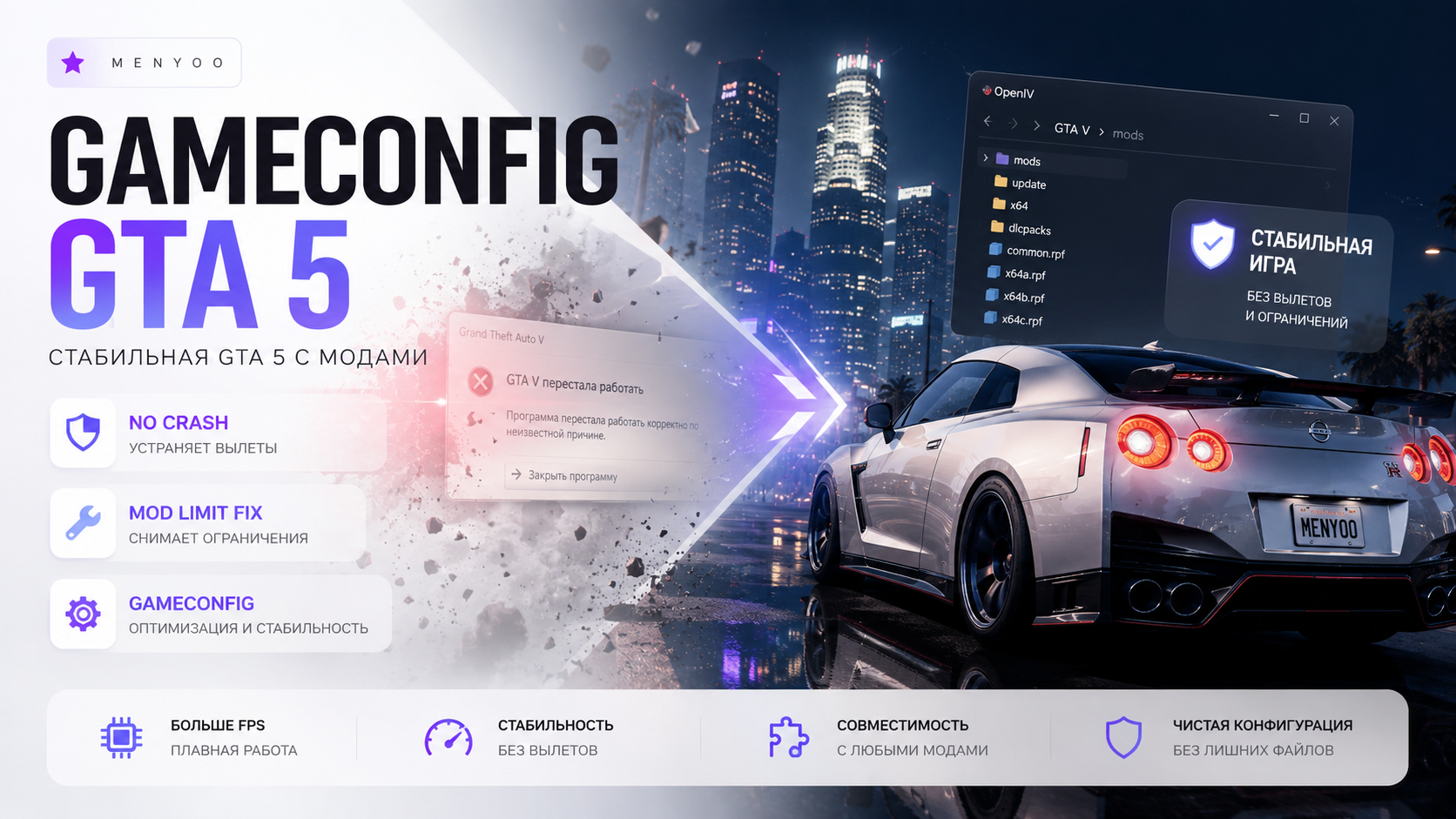
GTA 5 Gameconfig.xml Guide — Installation, Crash Fixes, Infinite Loading & Addon Mod Support
Gameconfig.xml is one of the most important files in GTA 5 modding. A properly configured gameconfig allows GTA V to handle large amounts of addon content, DLC packs, graphics mods, and custom vehicles without crashing.
Without a modified Gameconfig, players often experience:
- startup crashes;
- infinite loading screens;
- addon vehicle crashes;
- memory allocation errors;
- texture loss issues;
- unstable modded gameplay.
This guide explains everything you need to know about GTA 5 Gameconfig.xml, including installation, compatibility, crash fixes, and performance optimization.
❗ Always create a backup of your
modsfolder before replacing game files.
📌 What Is Gameconfig.xml in GTA 5?
Gameconfig.xml is a core GTA 5 configuration file responsible for managing:
- DLC limits;
- addon vehicle handling;
- memory allocation;
- ped and traffic limits;
- map loading stability;
- modded content support.
The original Rockstar version is designed only for vanilla GTA 5 and cannot properly handle heavily modded setups.
🔥 Why You Need a Modified Gameconfig
A custom Gameconfig is required for:
| Mod Type | Support |
|---|---|
| Addon Cars | ✅ |
| Graphics Mods | ✅ |
| Large DLC Packs | ✅ |
| Real Traffic Mods | ✅ |
| Map Expansions | ✅ |
| Vehicle Mega Packs | ✅ |
Using the wrong Gameconfig version may result in immediate crashes or endless loading screens.
🛠️ Requirements
- OpenIV;
- ScriptHookV;
- ASI Loader;
- mods folder enabled;
- HeapAdjuster;
- Packfile Limit Adjuster;
- compatible Gameconfig.xml version.
📂 Gameconfig.xml File Location
The standard installation path is:
mods/update/update.rpf/common/data/gameconfig.xml
Some versions may also use:
mods/update/update.rpf/common/data/ai/gameconfig.xml
✅ How to Install Gameconfig.xml
Step 1 — Install OpenIV
Launch OpenIV and enable:
- ASI Loader;
- OpenIV.asi;
- mods folder support.
Step 2 — Backup Original Files
Copy the original:
gameconfig.xml
to a safe location.
Step 3 — Replace the File
Move the modified Gameconfig into:
mods/update/update.rpf/common/data
and replace the original file.
Step 4 — Install Required Limit Adjusters
Gameconfig alone is not enough for large modded setups.
| File | Purpose |
|---|---|
| HeapAdjuster.asi | Increases memory heap size |
| PackfileLimitAdjuster.asi | Removes packfile limitations |
| ScriptHookV.dll | Required for ASI mods |
| Gameconfig.xml | Improves DLC stability |
⚡ Recommended Stability Settings
HeapAdjuster Recommended Value
Heap Size: 750Packfile Limit Recommended Value
Packfile Limit: 16384🚗 Gameconfig for Addon Cars
If your GTA 5 installation includes:
- addon vehicles;
- real traffic mods;
- ELS packs;
- vehicle megapacks;
- Lore Friendly Cars;
then a modified Gameconfig is absolutely necessary.
Vanilla gameconfig files usually crash once too many addon vehicles are loaded into memory.
🔥 GTA 5 Enhanced vs Legacy Compatibility
| Version | Compatibility |
|---|---|
| GTA 5 Legacy | ✅ Fully Supported |
| GTA 5 Enhanced | ⚠️ Requires dedicated version |
| FiveM | ⚠️ Limited usage |
| RageMP | ⚠️ Client dependent |
| alt:V | ⚠️ Partial support |
❗ Common Gameconfig Errors
Crash on Startup
Main causes:
- outdated Gameconfig version;
- broken DLC packs;
- incompatible ScriptHookV;
- corrupted update.rpf files.
Infinite Loading Screen
Usually caused by:
- missing HeapAdjuster;
- too many addon vehicles;
- invalid dlclist.xml entries;
- broken map mods.
ERR_GEN_ZLIB_2
This error is commonly related to:
- packfile limits;
- invalid DLC packs;
- incorrect Gameconfig version;
- conflicting map mods.
💡 FPS Optimization Tips
To improve stability and performance:
- avoid excessive 4K texture mods;
- use optimized traffic packs;
- reduce population density settings;
- avoid overloaded dlcpacks folders;
- use optimized QuantV or NVE presets.
🛠️ How to Remove Gameconfig.xml
- Open OpenIV.
- Navigate to:
mods/update/update.rpf/common/data
- Delete the modified file.
- Restore your original backup.
❓ FAQ
Do I need Gameconfig for addon cars?
Yes. GTA 5 often crashes without a modified Gameconfig when too many addon vehicles are installed.
Can I use one Gameconfig for every GTA 5 version?
No. Gameconfig versions must match your GTA 5 build.
Why does GTA 5 still crash after installing Gameconfig?
You are probably missing HeapAdjuster or Packfile Limit Adjuster.
Does Gameconfig improve FPS?
Not directly. It mainly improves stability and mod compatibility.
✅ Final Thoughts
Gameconfig.xml is essential for modern GTA 5 modding setups.
If you use:
- addon vehicles;
- graphics mods;
- DLC packs;
- real traffic mods;
- large map expansions;
- vehicle megapacks;
then a properly configured Gameconfig combined with HeapAdjuster and Packfile Limit Adjuster will dramatically reduce crashes and infinite loading problems.
VIP PRO