


- Publisheds m o a n t
- CategoryPaid
- PlatformWindows
- Works onLegacy
- Release year2025
- InstallationManual installation
- VersionJune 2025 (Patreon)
- Updated12.01.2026
- Views698
- Rating
Others download





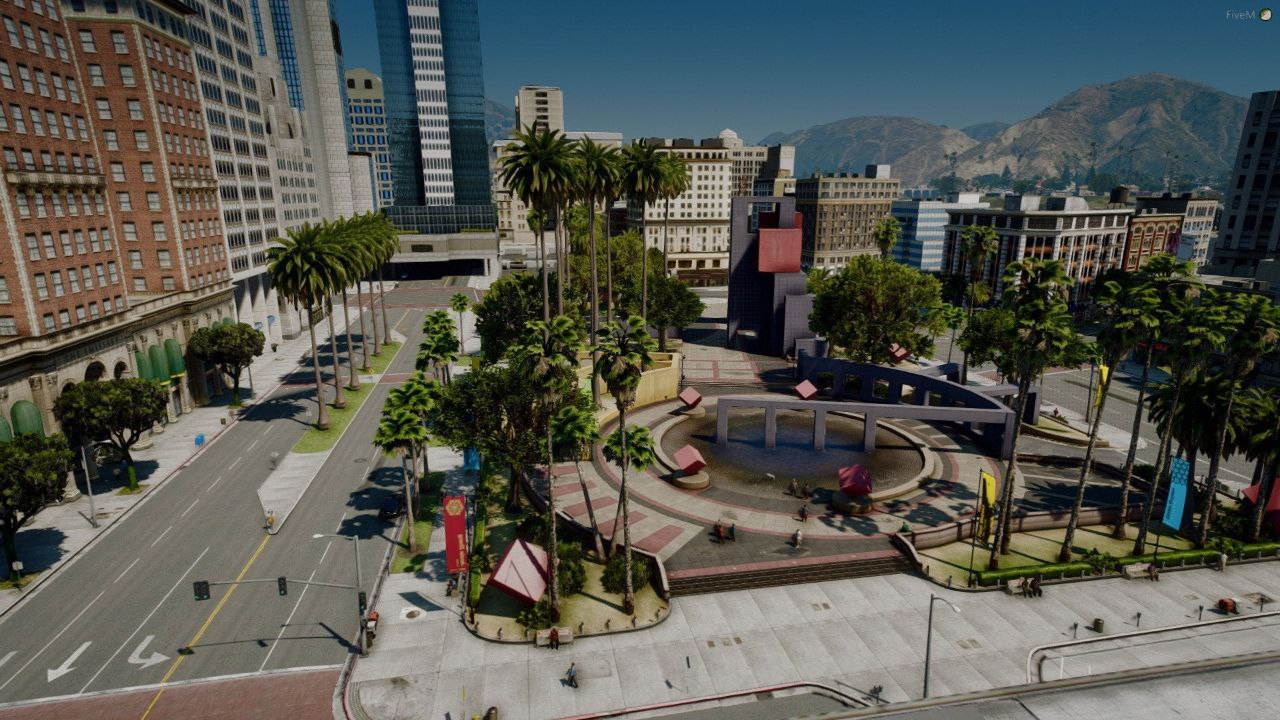
L.A. Roads 2.0 Enhanced — Ultra-Realistic Roads for GTA 5
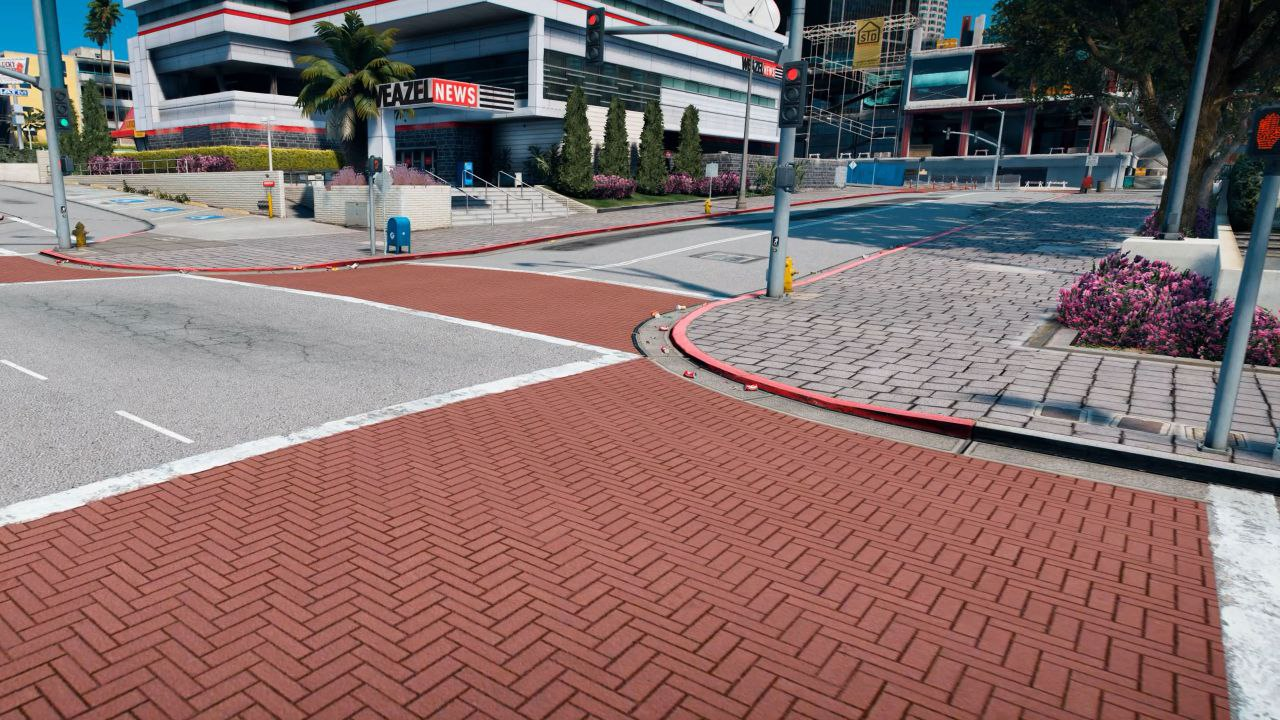
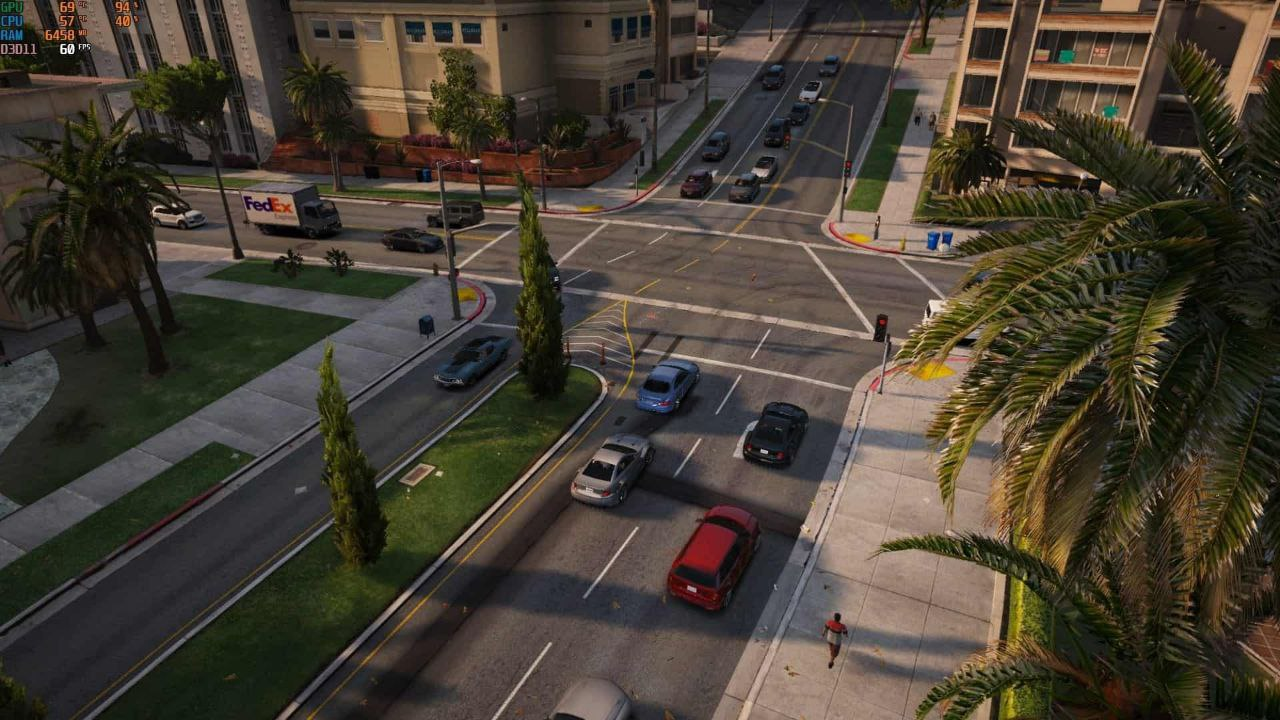
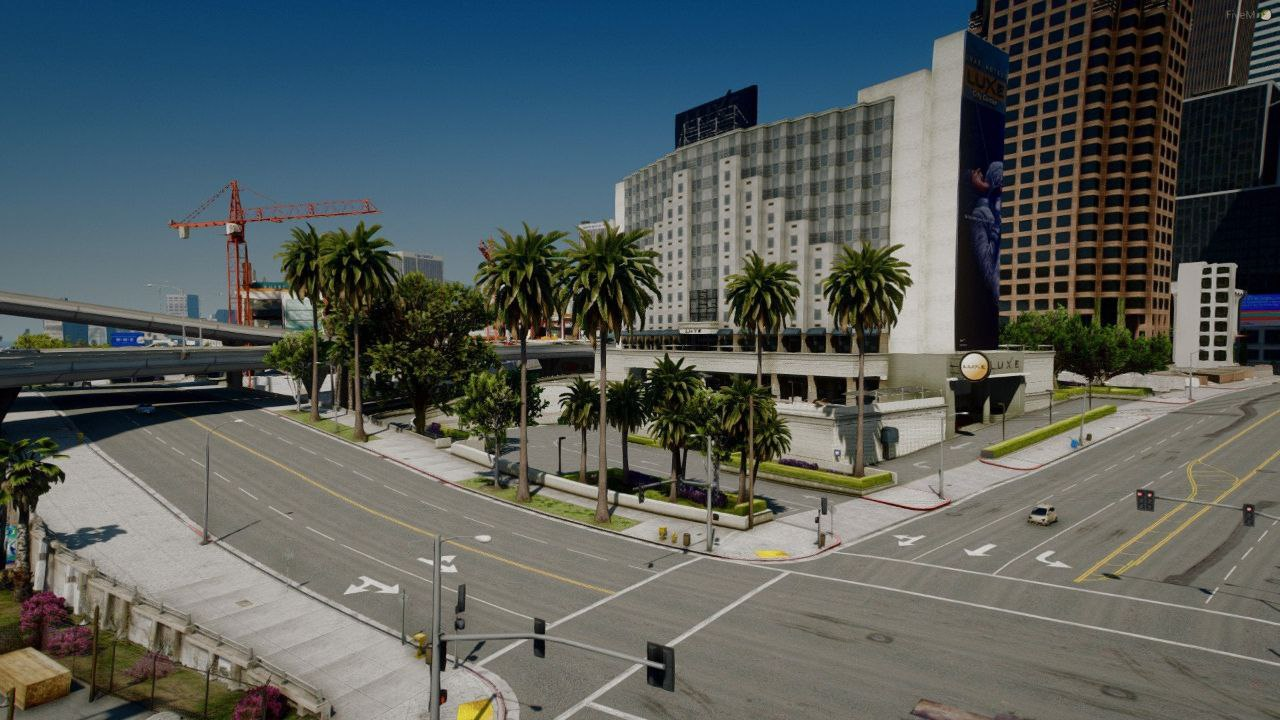
L.A. Roads 2.0 Enhanced is a next-level road texture overhaul that pushes realism far beyond the standard version. This is not a simple retexture — it’s a premium visual upgrade designed for players who want maximum realism, depth, and immersion in Grand Theft Auto V.
The moment you start driving, the difference is obvious:
🛣️ asphalt feels heavy and detailed
🛠️ wear and tear looks natural and varied
🌆 the city finally feels grounded and real
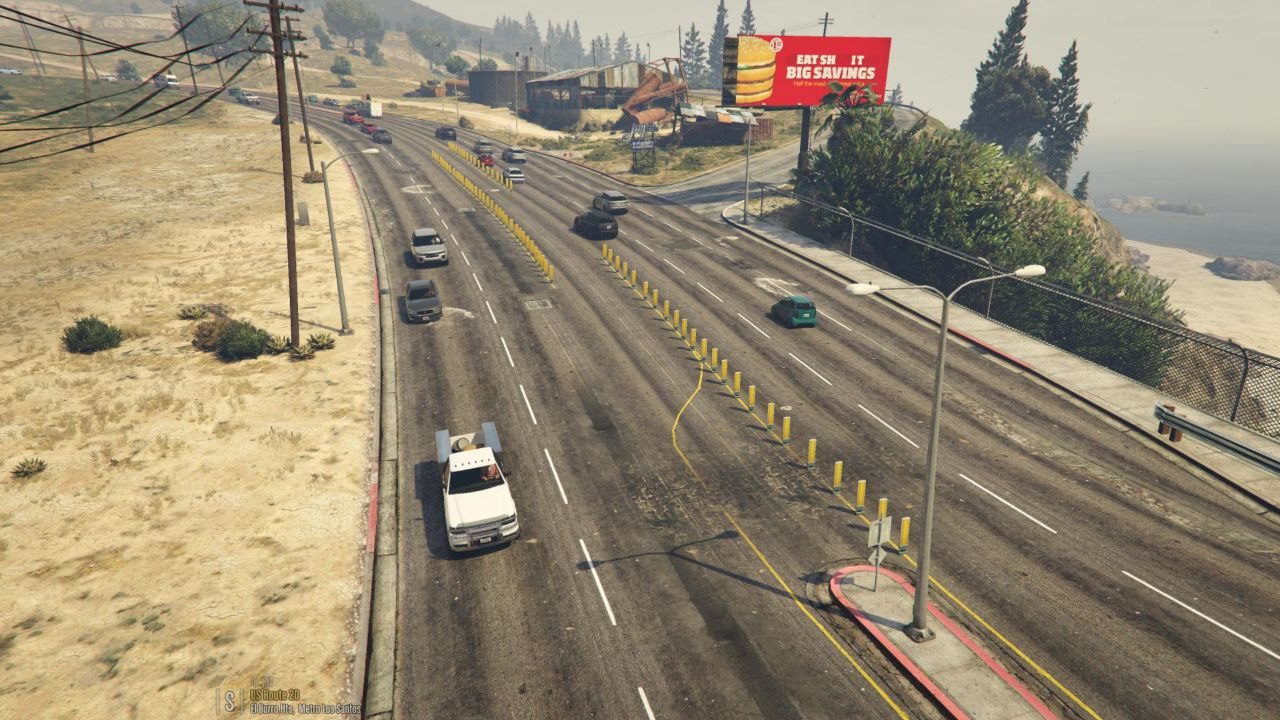
No more flat, lifeless roads. Every street looks hand-crafted, inspired by real Los Angeles pavement — cracked, patched, weathered, and imperfect in the best way possible.
🔥 What Makes the Enhanced Version Special
-
🚧 Completely reworked road textures across the entire map
-
🧱 Higher-resolution asphalt with deeper surface detail
-
🖌️ Improved color grading and contrast
-
🔁 Reduced tiling for natural road variation
-
📐 Sharper, more realistic road markings
-
🌧️ Better visual response in rain, night, and shadows
👉 The Enhanced edition delivers maximum visual fidelity for high-quality graphic builds.
🚀 Visual Quality & Performance
-
✅ Optimized high-resolution textures
-
✅ Designed for realistic & cinematic setups
-
✅ Full HD / 2K / 4K ready
-
✅ Perfect match for NVE, QuantV, ENB, Reshade
⚠️ Recommended for mid to high-end PCs to fully enjoy the enhanced detail.
🔧 Compatibility
-
✔ GTA 5 Single Player
-
❌ Not for FiveM / Alt:V
-
✔ Compatible with most graphics mods
-
✔ Safe for offline use
🎯 Perfect For
-
Players building ultra-realistic GTA 5 setups
-
Automotive & driving realism fans
-
Cinematic video and screenshot creators
-
Gamers who want the best-looking roads possible
⚠️ Warning: once you play with L.A. Roads 2.0 Enhanced, vanilla GTA 5 roads will feel outdated.
⭐️Screens
**Please note that refunds are not provided after downloading files!
🔥Please note
Before posting a comment, make sure that the mod is installed according to the instructions.
In most cases, the problems are related to installation errors.
If you have any difficulties, please contact Telegram chat or use
service paid mod installation - Our experts will install the mod for you.
----- INSTALLATION -----
1. Copy and paste (or drag and drop with CodeWalker) the 'LARoadsEnhanced' folder into the mods/update/x64/dlcpacks folder.
2. Then navigate to the mods/update.rpf/common/data folder and find the 'dlclist.xml' file.
3. Edit the 'dlclist.xml' file and add the following line at the bottom, at the end of the 'dlcpacks' line:
<Item>dlcpacks:/LARoadsEnhanced/</Item>
4. Be sure to save your changes.
Done, enjoy.
😱 Reviews (2)
L.A. Roads 2.0 Enhanced — Ultra-Realistic Roads for GTA 5 - Support the author
[lang=ru]Все собранные средства будут переданы автору материала.[/lang][lang=en]All raised funds will be given to the post author.[/lang]
[lang=ru]*Перевод от 100 руб[/lang][lang=en]*Transfers from 100 руб[/lang]